
te3:signup_settings
Trade sign-up page
“Trade sign-up page” is an external page where webmasters can sign-up for a trade with your site. It can be
found here:
http://www.yoursite.com/your_te3_directory/signup.php
You can configure and control “Trade sign-up page” inside admin interface: expand  “Settings” drop-down menu and open the “Sign-up page” window.
"Sign-up page" window explained
Tip for beginner users: open “Trade sign-up page” into a new tab and inspect, how it modifies as you change settings in the “Sign-up page” window. Perhaps sign-up a test trade, so you can see how it works.
Thirteen accordions allow you to fully customize settings and specify requirements for webmasters:
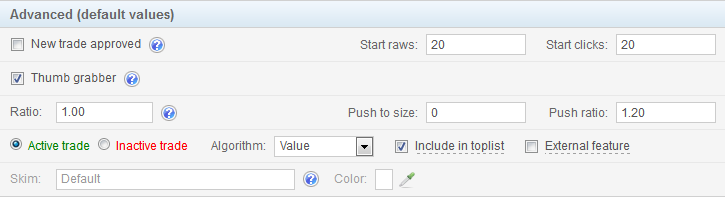
 icon next to the domain name for trades that haven't been approved yet. Unapproved trades must reach “start raw” and “start clicks” parameters before they will get any traffic in return. Set the maximum number of unapproved trades in the scroll-down input. When the number is reached,
  at the bottom of your Trade sign-up page, then enter their
  icon to open the “Color selector”).
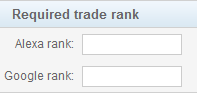 Alexa global traffic rank is calculated from a site's estimated average of daily unique visitors and its estimated number of pageviews over the past 3 months. Read more about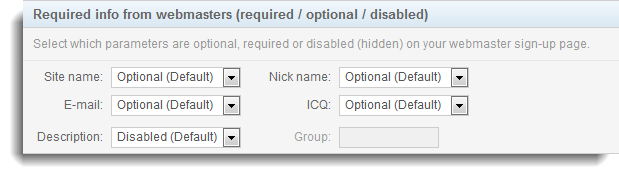
 “Add trade” button and select
 Allow webmasters to select the following niches on the webmaster's page
te3/signup_settings.txt · Last modified: 2014/11/26 08:39 by moderator